 Yorimichi Games
How to play Twisty Cube
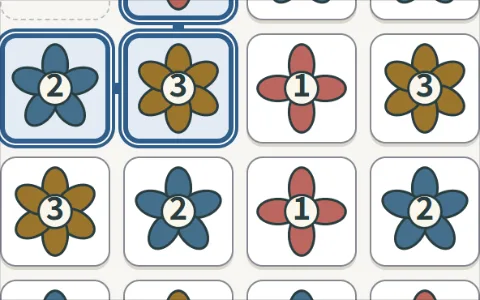
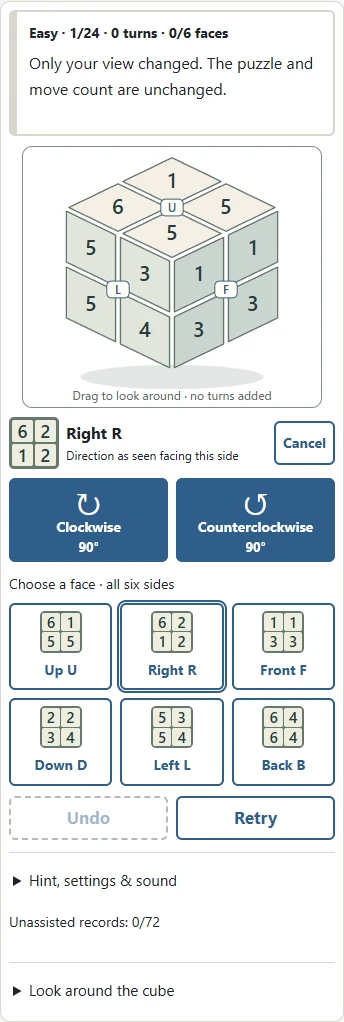
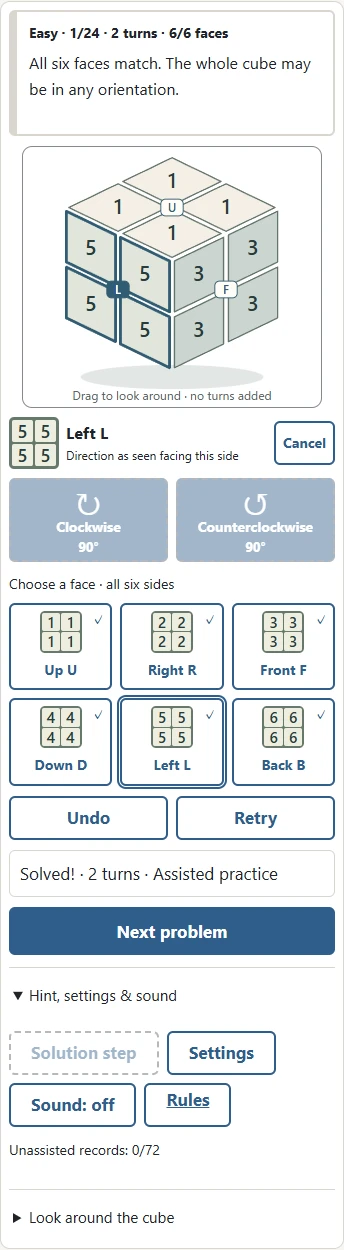
Twisty Cube is a single-player puzzle with eight corner pieces arranged as a two-by-two cube. The panels show the numbers one through six on neutral backgrounds. A face is complete when all four of its panels have the same number. Complete all six faces to finish the puzzle. The whole cube may point in any direction: the top face does not have to display a particular number.
Choose a difficulty and a problem number, then press Start. There are twenty-four problems on each difficulty, giving seventy-two puzzles in total. Every initial position was created using legal face turns and has a solution. There is no time limit, no life counter, and no need to create an account. Begin with an Easy puzzle to see how turning one face also moves panels belonging to its neighbouring faces. You can choose any problem immediately and revisit it whenever you want.
Corners, panels, and the solved state
Each of the eight corner pieces carries three numbered panels. There are twenty-four panels in total, with four copies of each number. A face turn moves four complete corner pieces, changing both their positions and their orientations. You cannot detach a panel, swap two individual panels, or twist a single corner by itself. When you turn the upper face, the sideways panels attached to its corners move as well.
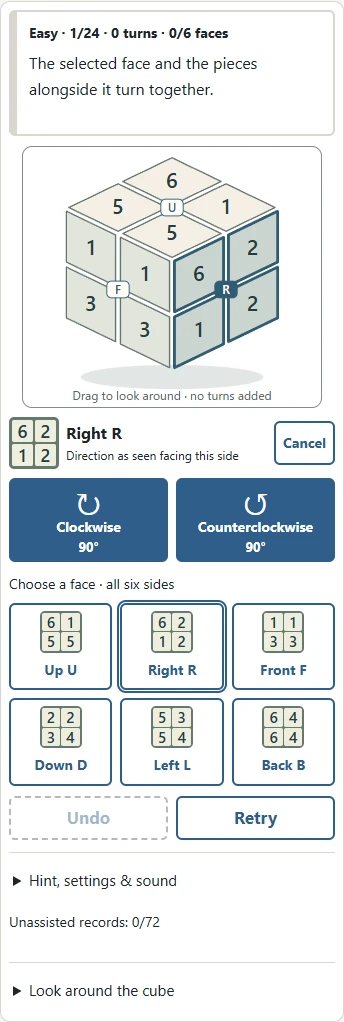
The six face buttons beside or below the perspective drawing reveals the faces that are currently hidden. Use it to check more than the three visible sides. Finishing one face is useful progress, but it is not the goal if other faces still contain mixed numbers. Following a corner by its set of three numbers can be more informative than following one panel alone. The printed orientation of a number is not part of the puzzle. Numbers remain upright for readability; their locations on the cube are what matter.
Face names and quarter turns
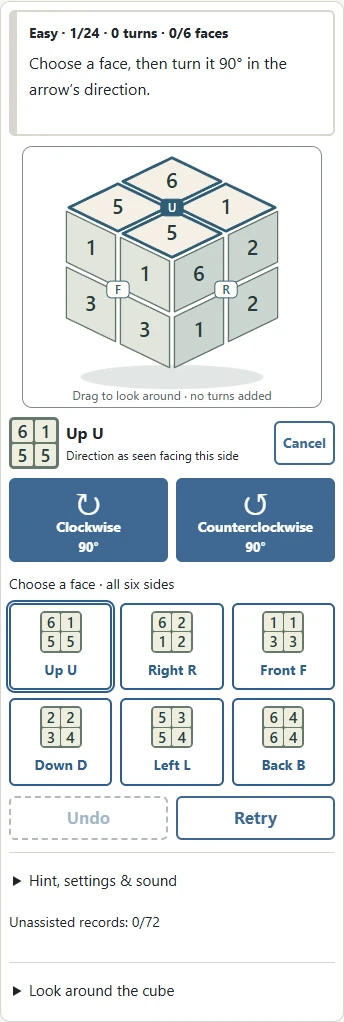
The fixed face names are U for Up, R for Right, F for Front, D for Down, L for Left, and B for Back. These names refer to the original reference frame. Changing your view does not rename the faces. Select a face using its button or by tapping it in either drawing. An outline marks the selected face, and the selected name also appears in the instruction area. A hidden face can still be selected with its button or the overview.
Clockwise means looking directly at the selected face from outside the cube. Counterclockwise is the opposite direction from that same viewpoint. Each press turns the face ninety degrees and counts as one turn. A half turn therefore takes two presses. Four clockwise quarter turns restore the original arrangement. One clockwise turn followed by its counterclockwise inverse also restores it. Those actions still count as the turns you made. This counting convention is important when comparing your route with the difficulty label.
Changing your view on phones and computers
Drag horizontally over the perspective drawing to change the direction from which you view the cube. With a mouse, you can drag vertically as well. On a phone, use the Up and Down view buttons for vertical changes so that scrolling the page does not accidentally become a puzzle move. A short tap selects a face. A drag changes the view. The dedicated turn buttons perform the actual puzzle moves.
Changing the view does not rearrange the corner pieces, alter the move history, or add to the turn count. Think of it as looking around the whole object. The overview keeps the same reference order, so U, R, F, D, L, and B remain easy to compare after a view change. If a perspective face is too small to tap comfortably, use its larger face button instead. Phone, tablet, and desktop versions use the same problems and movement rules. The neutral numbers provide a second way to understand the arrangement without depending on colours.
Easy, Normal, and Hard puzzles
Easy problems require at least two quarter turns to finish, Normal problems require four, and Hard problems require seven. These are minimum distances to a solved arrangement in any whole-cube orientation. They are not merely the number of moves used to mix the puzzle. A ninety-degree turn counts as one; a half turn counts as two. View changes do not count. This differs from conventions that count every face turn, including a half turn, as one move.
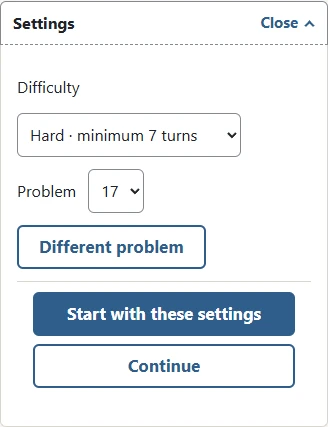
On Easy, look for a first move that leaves a useful second move, rather than only choosing the move that creates the largest number of matching panels immediately. On Normal and Hard, a useful route may temporarily disturb a face that already looks complete. Hard puzzles have a seven-turn solution, but taking more turns does not mean you failed. Each difficulty has twenty-four fixed problems. Choose a number to repeat a particular challenge, or use the different-problem button in settings to select another number on that difficulty.
Undo, Retry, and solution steps
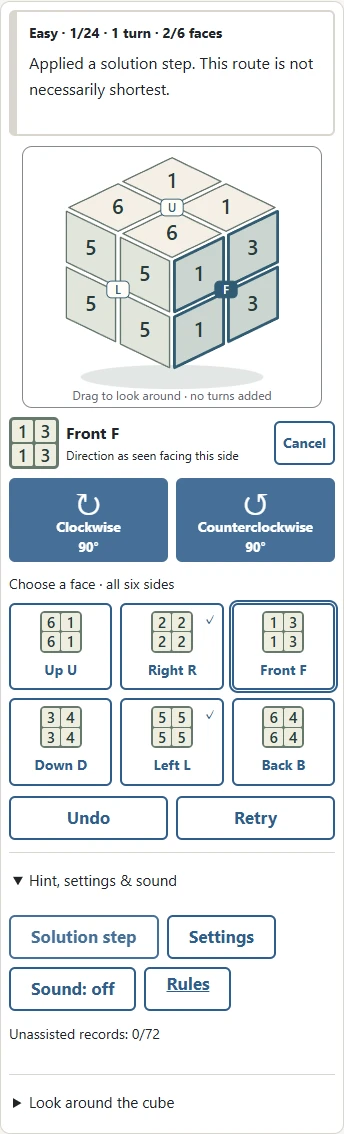
Cancel or Escape clears only the face selection, leaving the arrangement and turn count unchanged. Undo reverses the most recent face turn and returns to the preceding puzzle position. It does not undo a view change. Retry restores the initial arrangement of the current problem and resets its history. It does not select a different puzzle. These options let you investigate a short sequence without being trapped by a mistake or losing access to the original problem.
Open Hint, settings & sound to find Solution step. It follows a valid route obtained by simplifying your move history and retracing it in reverse. Repeated solution steps lead back to a solved cube, but the route is not necessarily the shortest from your current position. A long manual exploration can produce a long return route. Using Undo or a solution step marks the attempt as assisted practice. You can still finish and move on, but only unassisted completions enter the local success records. Manual turns are limited to one thousand in an attempt. After that limit, solution steps, Undo, and Retry remain available. There is no need to race the clock.
Keyboard controls and saving
Select a face with U, R, F, D, L, or B. Enter makes a clockwise quarter turn; Shift plus Enter makes a counterclockwise quarter turn. Arrow keys change the view. Z undoes one turn, and H applies one solution step. Game keys are inactive while you are editing a settings field. When a button has focus, Enter activates that button. Holding a key does not repeatedly turn the puzzle: release it and press again for each intentional action.
Every turn saves the difficulty, problem number, move history, selected face, viewing orientation, and assistance status in this browser on this device. Open settings and use Continue to return to the same position. Closing and reopening the page also preserves the saved attempt when browser storage is available. Another browser or device has separate progress. Clearing local storage removes your saved position and records. If storage is blocked, you can still play, but your position may not remain after closing the page. No account or remote synchronisation is involved.
Strategy and frequently asked questions
Before and after a turn, identify where the same three-number corner moved. Watching a whole corner helps explain why a matching panel sometimes leaves a face that seemed finished. Adjacent faces generally give different results when their order is reversed. Opposite faces act on separate sets of corners. Try a short sequence, inspect the overview, and reverse it to understand the difference. Keeping one completed face untouched is not always a productive strategy.
If four turns seem not to restore the position, check whether you selected another face between turns or only changed your viewing direction. The fixed six-face overview is useful for this comparison. Exceeding the stated minimum distance does not prevent completion. When all six faces match, a completion message and a next-problem button appear. One matching face alone is not sufficient. This game uses the general mathematics of reversible face turns with original numbered artwork and a small problem collection. It does not reproduce a competition timer, official inspection procedures, physical defects, or tournament penalties.