 Yorimichi Games
How to play
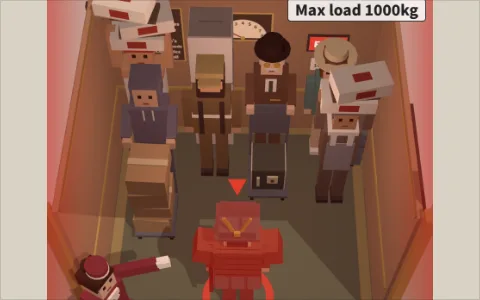
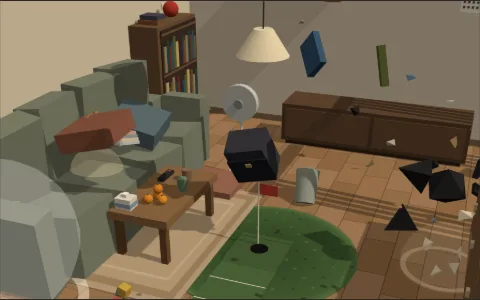
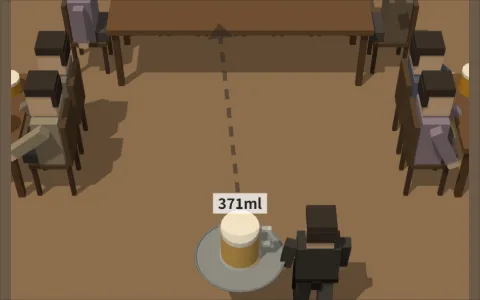
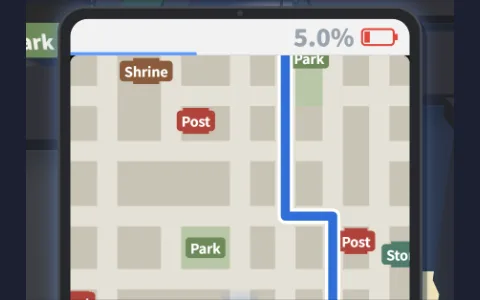
Touch the screen to start the timer, and the shutter goes off in 6 seconds. The white mark in the gap in your family's row is your spot (“Get in here”). Before the shutter goes off, run from the camera in front to the mark. The number at the top right is the time left on the timer.
A ring appears where you touch, and you run in the direction you slide your finger from there. The farther you slide, the faster you run; lift your finger to stop. The jump button at the bottom right lets you jump over things (you can press it while running). On a PC, run with the arrow keys or the mouse and jump with the Space key.
Stand on the white mark and it turns green. Stay stopped there and you'll be in the photo properly. If you're still running when the photo is taken, you come out blurry. It takes a moment to turn back toward the camera after you stop, so stop early. When the shutter goes off, the photo appears with its score, and touching the screen takes you to the next place.
Run into things while running and they break and shatter, sending your family, things in the background and even the camera flying. You fall over too. Points come off if the photo shows family members knocked down or you lying on the ground. Bump into things slowly and you just stop without breaking anything.
After taking photos at 5 places, your photos are laid out with the total score. Only a photo with the whole family together and you stopped dead center in the gap gets 100 points, for 500 points max across the 5 photos. Points come off if you're blurry, your family fell over, something got in the shot, the camera fell over and so on, and the reason is written under each photo. Press “OK” at the bottom to see the result box, where “Post on X” posts your score and “Play again” starts over from the beginning.
Tips
- Bring your finger back a little before the mark to slow down, and you'll stop right on it. Run into the mark at full speed and you'll come out blurry or bump into your family.
- Weave between things, or jump over them. Things in front break if you hit them while running, and the pieces fly toward your family.
Comments
Write a comment
No comments yet.